
We’ve all done it. You install a new app, a popup appears, and you tap Allow just to make it go away. Usually nothing bad happens. But your phone probably holds more of your life than any other device you own: CNIC photos, family pictures, WhatsApp chats, bank alerts, and the OTP codes that protect your JazzCash and Easypaisa wallets.
That’s why understanding Android app permissions in Pakistan matters so much, especially if you download APK files from outside the Play Store. At APKTasker, we hear from many users who installed a game or earning app and later wondered why it needed access to their messages. This guide explains what each permission does and when it’s smarter to say no.
The One Question That Settles Most Permission Decisions
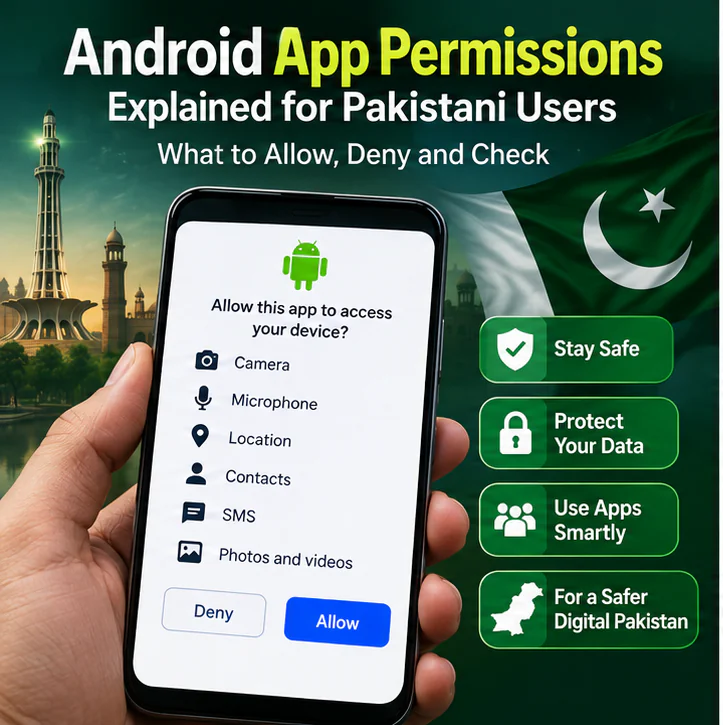
Before approving anything, ask yourself: does this permission match what the app actually does?
A maps app needs location. A video-calling app needs your camera and microphone. A photo editor needs your pictures. None of that is suspicious. But an offline card game that wants your SMS, contacts and precise location the moment you open it? That deserves a pause.
Google labels many of these as “dangerous” or runtime permissions. Don’t let the word scare you. It describes how much power the permission gives, not whether the app itself is bad. Most of what you need to know about Android app permissions in Pakistan comes down to that simple match between feature and request.
Camera and Microphone
Camera access makes sense for QR scanners, social media, video calls and the identity check in banking apps. Timing tells you a lot. If the request pops up right after you tap “Take Photo,” it’s linked to something you chose to do. If a wallpaper app asks for the camera the second it launches, deny it and see what happens.
The microphone works the same way. Voice notes, Zoom calls and in-game voice chat all need it. A casino game, earning app or basic utility usually doesn’t. Tap Don’t Allow, and if the app keeps working normally, you have your answer.
One more thing: an APK being popular in a WhatsApp group or Telegram channel doesn’t prove its permissions are reasonable, or that the file hasn’t been tampered with.
Location: Not All Access Is Equal
Location is one of the trickiest Android app permissions in Pakistan for everyday users, because Android offers three very different levels: approximate, precise, and background location that keeps running even when you’re not using the app.
A weather app works fine with approximate location. A ride or food delivery app needs precise location, but only while you’re using it. Very few apps have a genuine reason to track you around the clock. If a simple game or video player wants constant precise location, it should explain why. And if a platform claims it needs your location for “regional verification,” confirm that on the service’s official website instead of trusting the app.
SMS Access: The Big One
If you remember only one thing about Android app permissions in Pakistan, make it this: be very careful with SMS access.
Your inbox holds OTP codes, bank alerts, password reset links and JazzCash and Easypaisa transaction confirmations. An app that can read your messages can potentially see all of it. A game doesn’t need your message history to let you play, and a “bonus withdrawal” feature isn’t a good enough reason either.
This applies especially to earning apps, loan apps, casino APKs and unofficial payment tools. For anything related to your wallet, rely on the official JazzCash and Easypaisa websites, not instructions on a random APK page.
Contacts and Call Logs
Contact access isn’t just about you. It hands over the names and numbers of your family, friends, colleagues and customers, people who never agreed to share anything.
Messaging apps use contacts to show which friends are already on the service, which is fair. But an earning app that wants your entire address book “for referrals” doesn’t need it, because you can share an invite link yourself. A quick test: would you be comfortable handing this developer a list of everyone saved in your phone? If not, deny it.
Call logs follow the same logic. Dialers and spam-blocking apps may genuinely need them. An ordinary game or casino app has no business knowing who you called and when, no matter how many installation guides tell you to “allow all permissions.”
Photos and Files
Newer Android versions let you pick specific photos instead of opening your whole gallery to an app. Use that option whenever you see it. If you only want to upload a profile picture, there’s no reason for an app to also see your CNIC scans, payment screenshots, invoices and family albums. Give the smallest amount of access that gets the job done.
Accessibility and Display Over Other Apps
These two deserve extra caution, and handling them carefully is a big part of staying safe with Android app permissions in Pakistan.
Accessibility services were built to help people with disabilities use their phones. To do that, they can read what’s on your screen and interact with other apps on your behalf. That’s a lot of power. If an unknown APK shows a message like “Turn on Accessibility to continue,” stop and ask what feature actually needs it. A game almost never does.
Display over other apps (overlay) lets an app draw on top of other apps. It’s handy for chat bubbles and screen filters. But if an APK has no floating feature and still wants overlay access, especially alongside accessibility or SMS access, treat it as a red flag.
Notifications: Low Risk, but Watch the Pressure
Notification permission is generally harmless. Still, some casino and earning apps use it to push you with messages like “Bonus expires in 10 minutes!” or “Deposit now!” If that starts happening, turn off notifications for that app in Settings. You don’t need to delete it, and it becomes much easier to stick to your own spending limit.
Look at the Whole Combination
This is the most overlooked part of Android app permissions in Pakistan: one permission alone might look fine, but the pattern is what really matters.
Picture two games. One asks for internet and notifications. The other wants SMS, contacts, microphone, precise location, accessibility and overlay access. You don’t need to know anything else to see which one deserves a closer look. It doesn’t automatically prove the second app is malicious, since some apps are just poorly built, but check it carefully before entering any CNIC details, wallet numbers or passwords.
Extra Checks When Installing APK Files
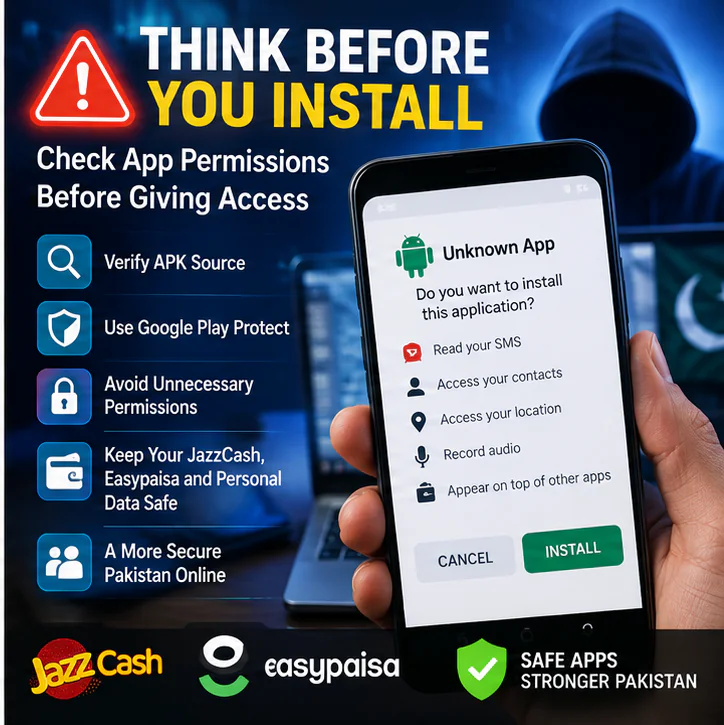
Downloading an APK from outside Google Play doesn’t make it fake or harmful. It just means more of the checking is up to you. Before installing, compare the file name, version, file size, developer and download source. After installing, watch the permission requests that appear during first use. This is where knowing Android app permissions in Pakistan really pays off, because sideloaded apps don’t have a Play Store listing to fall back on. If you’re new to sideloading, our guide on installing APK files safely on Android walks you through the full process.
Also, keep Google Play Protect turned on. Some APK sites tell you to disable it before installing. A warning isn’t always proof of malware, since false alarms do happen, but switching off your phone’s security just to run an unknown app is the wrong first move. On the other hand, no warning doesn’t guarantee an app is safe. Play Protect is one layer of protection, not the whole wall.
How to Review Permissions on Your Phone
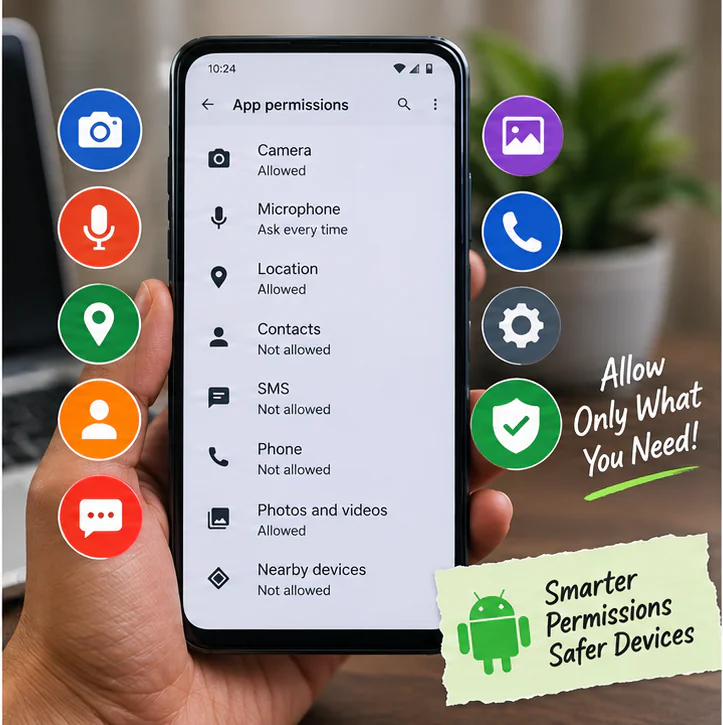
You can change your mind anytime. On most phones, go to Settings > Apps > [App Name] > Permissions. Menus look slightly different on Samsung, Xiaomi, Infinix, Tecno, Oppo, Vivo and Realme phones, but the path is similar.
Go through the list and ask whether each permission still makes sense. Gave camera access once for a profile photo? Remove it. Can’t remember why a game has your microphone? Revoke it and see if anything breaks. Accessibility and overlay permissions sit in separate menus, so check those individually.
Denying a permission usually just disables the feature that needed it. A QR scanner without camera access can’t scan, which is logical. But if an offline puzzle game refuses to open without your contacts, that tells you something about the app. Regular reviews are the easiest way to manage Android app permissions in Pakistan without any technical knowledge.
A Special Note on Casino and Earning APKs
This is where Android app permissions in Pakistan matter most. Many casino and earning platforms are distributed through websites rather than Google Play, and they often advertise JazzCash deposits, Easypaisa withdrawals and referral bonuses. A payment feature might need your account details, but it doesn’t need your SMS, contacts, call logs, accessibility access and full gallery.
Keep in mind that device safety and money safety are two separate things. An app with perfectly reasonable permissions can still have unclear withdrawal rules or misleading bonus terms. Check both: what the app can access on your phone, and what the platform can do with your money.
Already Tapped “Allow” on Everything?
It’s not too late. Open the app’s permission settings and revoke anything unnecessary. Check accessibility, overlay and device administrator settings separately. Then run a Play Protect scan and watch for strange pop-ups, unusual battery drain, apps opening by themselves, or login alerts you don’t recognize.
If you typed important passwords into an app you no longer trust, change them, especially if you’ve used the same password elsewhere. If you think your JazzCash or Easypaisa details were exposed, contact them only through their official apps, websites and helplines. Never call a “support” number someone sends you on WhatsApp.
Quick Reference: Allow, Deny or Investigate
Use this table as a quick checklist for Android app permissions in Pakistan. It’s a guide, not a strict rule, since the same permission can be perfectly fine in one app and unnecessary in another.
| Permission | Usually Makes Sense For | Question It When |
|---|---|---|
| Camera | Scanners, social apps, bank verification | The app has no camera feature |
| Microphone | Calls, voice notes, recording | A simple game or utility wants it |
| Location | Maps, delivery, ride apps | A basic APK wants constant precise tracking |
| Contacts | Messaging apps | A game or casino app wants your full address book |
| SMS | Genuine SMS features | An earning or gaming APK asks for messages |
| Call Logs | Dialers, spam blockers | An ordinary game wants call history |
| Photos & Videos | Editing, uploads | The app wants your entire gallery |
| Accessibility | Real accessibility tools | An unknown APK requires it to continue |
| Overlay | Floating tools, chat bubbles | The app has no floating feature |
| Notifications | Messages, useful alerts | Used mainly for pushy deposit offers |
Frequently Asked Questions
Why do Android app permissions in Pakistan need extra attention?
Permissions work the same way everywhere, but many Pakistani users sideload APKs and rely on SMS-based OTPs for mobile wallets. That raises the stakes when an app asks for sensitive access.
Should I give SMS permission to casino or earning apps?
Only if there’s a clear, genuine reason. Your messages contain OTPs and wallet alerts, so an unexplained SMS request is a warning sign.
Is accessibility permission risky?
It can be, because it lets an app read and interact with what’s on your screen. Enable it only for apps that truly need it and that you trust.
Can I remove permissions after installing an app?
Yes. Go to Settings > Apps > [App Name] > Permissions and turn off anything you no longer want to allow.
Should I disable Google Play Protect to install an APK?
No, not as a first step. Investigate the warning and verify the APK source instead.
If an app only asks for normal permissions, is it automatically safe?
Not necessarily. Also check the download source, developer, version and, for real-money apps, the payment and withdrawal terms.
Final Thoughts
You don’t need to memorize every permission to stay safe. Managing Android app permissions in Pakistan comes down to one habit: asking whether a request makes sense for what you’re actually doing. Camera for scanning, microphone for voice notes, location for navigation, all fine. It’s when an unrelated app starts reaching for your SMS, contacts or accessibility settings that you should slow down.
Keep Play Protect on, review your permissions every now and then, download APKs only from sources you can verify, and handle wallet matters through official JazzCash and Easypaisa channels. The goal isn’t to deny everything. It’s to give every app only the access it genuinely needs.